
Direct Answer
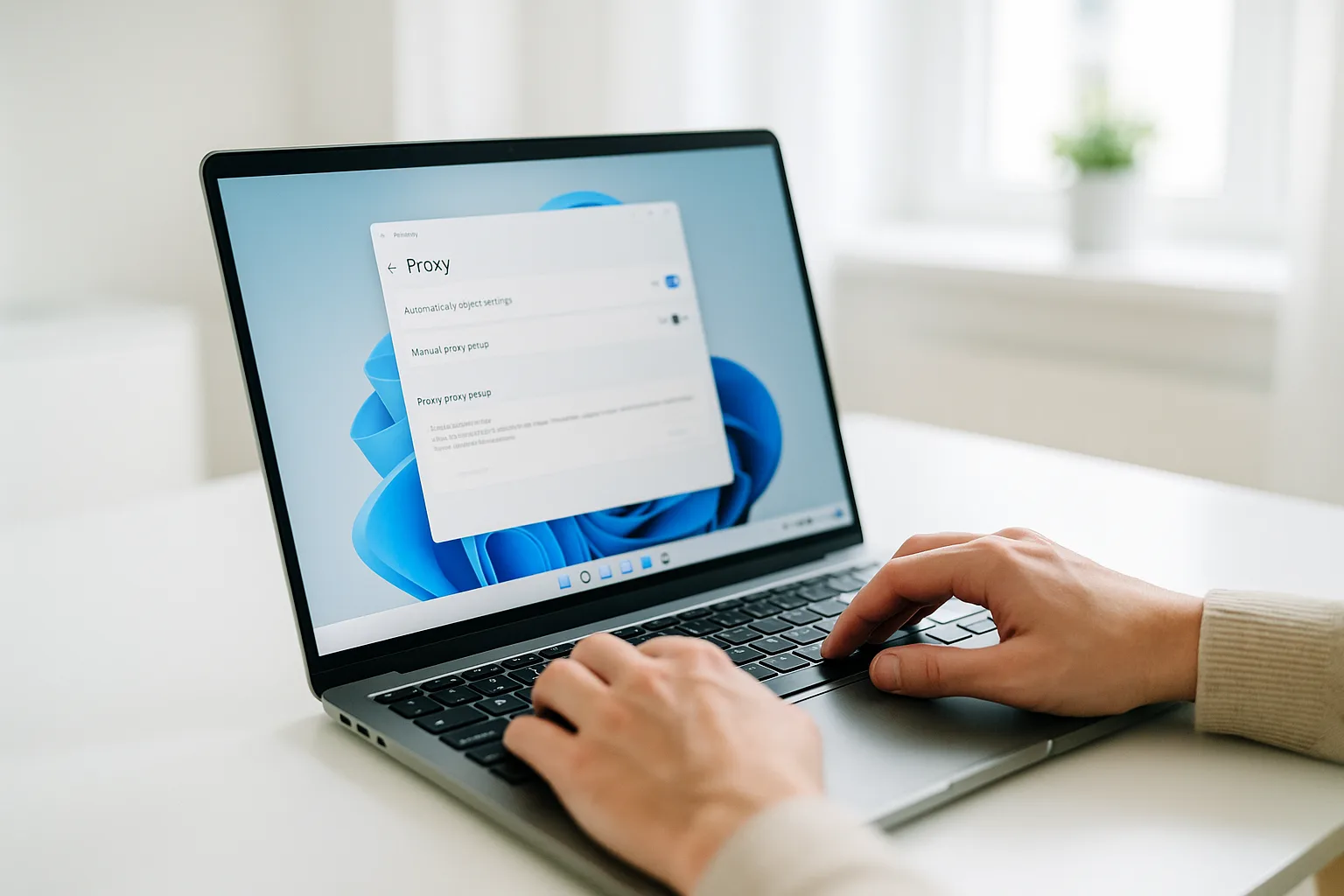
To set up a mobile proxy on Windows 11, open Settings → Network & internet → Proxy, turn on "Use a proxy server" under Manual proxy setup, and enter your HTTP endpoint address and port. Save, then verify your IP. For authenticated or device-wide routing, OpenVPN is the cleaner option — both take only a few minutes.
What You Need
Three or four values from your GermanProxy.io account:
- Host (address) and port of your endpoint
- Username and password, if your endpoint requires authentication
GermanProxy.io supports HTTP, SOCKS5 and OpenVPN. Below are the two most common ways to connect on Windows 11.
Option 1: System-Wide Proxy (Windows Settings)
This routes most Windows web traffic through the proxy.
- Open Settings (Win + I).
- Go to Network & internet → Proxy.
- Under Manual proxy setup, select Set up next to "Use a proxy server".
- Turn the switch On, then enter your address (host) and port.
- Select Save.
- Open a browser and load an IP-check page to verify you see a German mobile IP.
HTTP endpoint only: the built-in Windows proxy setting speaks HTTP/HTTPS, not SOCKS5, so use your HTTP endpoint here. If you only have a SOCKS5 endpoint, don't use Option 1 — route it with Proxifier (per-app SOCKS5), the FoxyProxy extension (per-browser SOCKS5), or OpenVPN below.
Note on authentication: the built-in Windows proxy fields cover address and port; if your endpoint needs a username and password, Windows will prompt for them, or you can use Option 2 or a browser that stores proxy credentials. Verify the IP before relying on the connection.
Option 2: OpenVPN (Device-Level Routing)
OpenVPN routes the whole machine through your German mobile endpoint — including apps and browser features that a system proxy may not cover, such as WebRTC (see what a WebRTC leak is).
- Install the OpenVPN Community client for Windows.
- Import the
.ovpnprofile from your GermanProxy.io account. - Connect, entering your username and password if prompted.
- Verify your IP in a browser once connected.
This is the most consistent option for serious work, because every component uses the same German mobile IP. For the full walkthrough, troubleshooting and verification, see OpenVPN on Windows.
Route Only Some Apps, or One Browser
You don't have to route the whole PC. Three narrower options keep the rest of Windows on your normal connection:
- Selected apps → Proxifier applies per-app rules, so only the programs you pick use the mobile IP.
- One browser → the FoxyProxy extension routes just that browser.
- Several isolated browser profiles you're authorised to operate → a multi-profile browser such as Dolphin Anty, GoLogin or AdsPower assigns the connection per profile.
Troubleshooting
- No connection: re-check host, port and credentials, and confirm the proxy type matches what your tool expects.
- Wrong or local IP showing: the proxy may not be active for that app — try OpenVPN for full-device routing.
- Slow first response: mobile latency is higher than datacenter; raise timeouts rather than assuming a fault.
More Platforms
The same ideas apply on other devices, and each has its own guide:
- macOS → route selected apps with Proxifier.
- Android → the whole device with OpenVPN, or per-app with the Super Proxy app.
- iPhone → OpenVPN or Shadowrocket.
For the full device matrix in one place, see how to use a mobile proxy on any device.
FAQ
Does the Windows proxy cover every app?
Mostly browsers and apps that follow the system proxy. Some apps ignore it. For full coverage of every app and feature, use OpenVPN device-level routing.
Do I need admin rights?
Changing proxy settings is per-user and usually needs no admin rights; installing the OpenVPN client does require admin permission.
How do I confirm it works?
Open an IP-check page and confirm it reports a German mobile address with the details you expect — always verify before you rely on the connection.
CTA
Ready to connect? Get a German mobile proxy and set it up on Windows 11 in minutes — HTTP/SOCKS5/OpenVPN, fair-use 20 GB/day.
Get a German mobile proxy: Real 4G/5G IPs from Germany, fair-use 20 GB/day — browse German mobile proxy plans or start small with a shared 5G proxy.