
Direct Answer
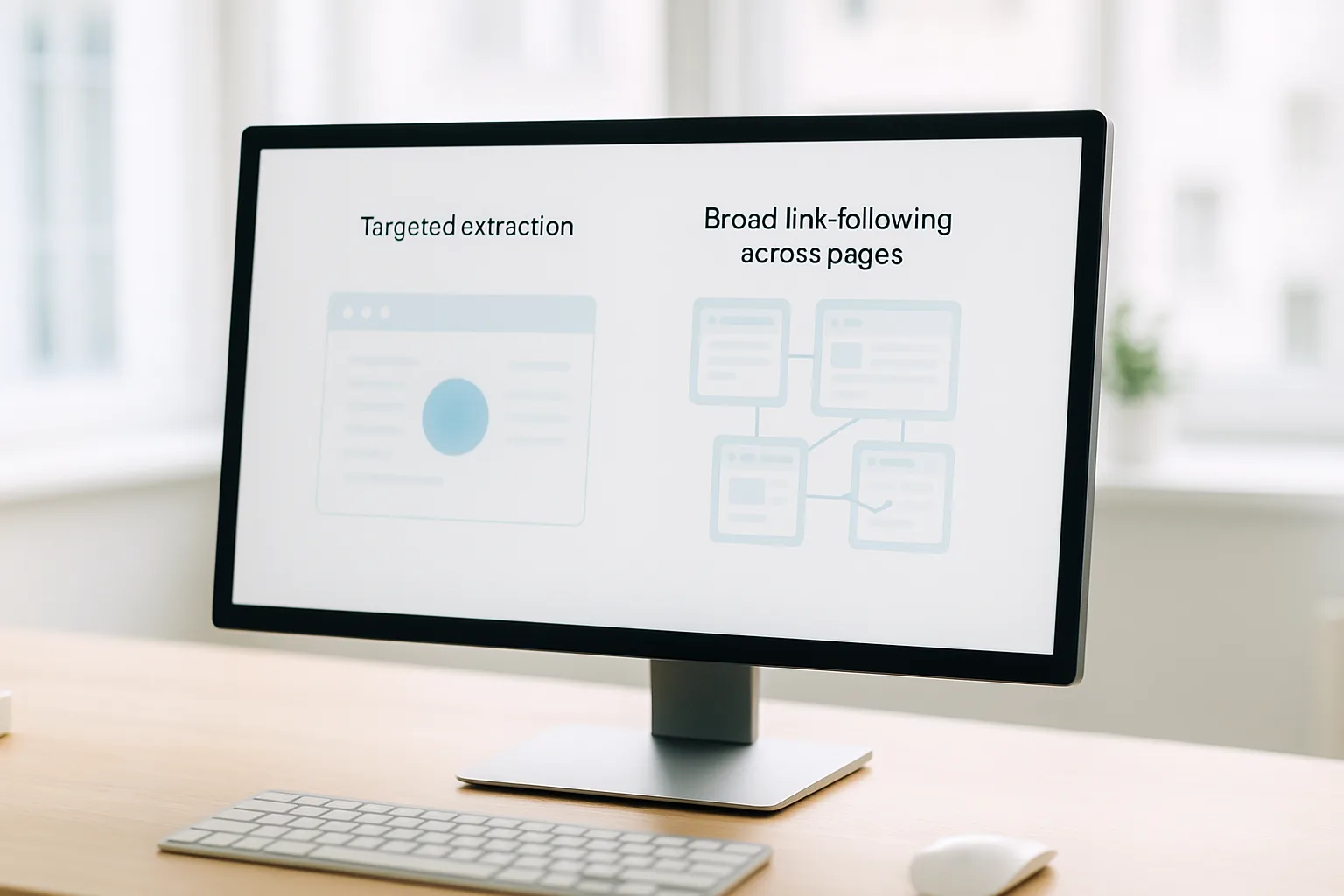
Web crawling is the process of discovering and following links to map pages across a site; web scraping is the process of extracting specific data from those pages. Crawling answers "which URLs exist?", scraping answers "what data is on them?". Most real projects combine both: a crawler finds the pages, a scraper pulls the fields.
Web Scraping vs Web Crawling at a Glance
The two terms are used interchangeably in casual conversation, but they describe two different jobs. Crawling is about discovery — walking a site's link structure to find out which pages exist. Scraping is about extraction — reading a known page and pulling out the specific data you care about. Here is the difference side by side:
| Criterion | Web Crawling | Web Scraping |
|---|---|---|
| Core question | Which URLs exist and how do they link? | What data is on this page? |
| Primary output | A list of URLs, a link graph, site metadata | Structured records (prices, titles, stock, reviews) |
| Unit of work | A page's links | A page's content |
| Follows links? | Yes — that is the whole point | Not necessarily; works on a known URL |
| Typical tools | Crawlee, Scrapy, custom BFS/DFS crawlers | BeautifulSoup, Scrapy selectors, Playwright |
| Classic example | Search engines indexing the web | Pulling 10,000 product prices into a CSV |
| Breaks when… | Link structure or pagination changes | Page layout or CSS selectors change |
In one sentence: crawling builds the map, scraping fills the dataset. A search engine is the purest crawler — it follows links to discover pages. A price-monitoring job is the purest scraper — it visits known product URLs and extracts a number. Most data-engineering work sits in the middle and uses both.
What Is Web Crawling?
Web crawling is the automated discovery of web pages by following links. A crawler — sometimes called a spider or bot — starts from one or more seed URLs, reads each page, extracts the links it finds, adds the new ones to a queue, and repeats. The result is a growing map of which pages exist on a site and how they connect.
A crawler's job is breadth, not depth of content. It cares about three things:
- Frontier management. The queue of URLs still to visit. A good crawler deduplicates URLs so it never fetches the same page twice and respects boundaries so it does not wander off the target domain.
- Link extraction. Reading
<a href>tags, sitemaps, and pagination controls to find the next set of pages. - Politeness. Honouring
robots.txt, applying request delays, and limiting concurrency so the crawl does not overload the target server.
Search engines are the canonical example: Googlebot crawls billions of URLs to know what exists before it ranks anything. But crawling is just as common in commercial work — discovering every product URL in a marketplace category, mapping a competitor's full catalogue, or building a fresh sitemap before a migration. The crawl itself often stores little more than URLs and light metadata; the heavy data extraction is a separate scraping step that runs over the URLs the crawl found.
What Is Web Scraping?
Web scraping is the automated extraction of specific data from web pages. Where a crawler asks "what pages exist?", a scraper asks "what data is on this page, and how do I get it into a structured format?". The input is one or more known URLs; the output is clean records — rows in a CSV, documents in a database, fields in a JSON file.
A scraper's work is parsing, not discovery. It fetches a page, locates the elements that hold the data using CSS selectors or XPath, normalises what it finds, and stores it. Typical extraction targets include:
- E-commerce data: product titles, prices, SKUs, stock status, and ratings for price monitoring or assortment tracking.
- SERP data: the ranked results, ads, and rich elements on a search page for SEO and rank tracking.
- Listing data: structured records from real-estate, jobs, or travel sites.
- Public content: articles, reviews, and specifications that feed research or AI training pipelines.
Scraping is fragile in a way crawling is not: it depends on the page's structure. When a site redesigns its product page and renames a CSS class, the scraper's selectors stop matching and the field comes back empty. That is why production scrapers are written defensively — validating extracted values, alerting on sudden empty fields, and versioning their selectors. For language-specific walkthroughs, see our guides for Python requests + Playwright, Scrapy, BeautifulSoup, and Node.js.
How Crawling and Scraping Work Together
In practice the two are stages of one pipeline, not competing alternatives. A typical e-commerce data job looks like this:
- Seed. Start the crawler at a category page — say, all laptops.
- Crawl. Follow pagination and product links to discover every product URL in that category. The output is a clean list of, for example, 4,000 URLs.
- Queue. Hand that URL list to the scraping stage.
- Scrape. Visit each of the 4,000 URLs and extract the fields you need — title, price, stock, rating — into structured rows.
- Store and validate. Write the records, flag any page where a field came back empty, and schedule the next run.
Frameworks like Scrapy and Crawlee deliberately blur the line because real jobs need both: a single spider crawls links and extracts data as it goes. The distinction still matters for design, though — the crawling logic (queue, dedup, depth limits) and the scraping logic (selectors, parsing, validation) fail for different reasons and are easiest to maintain when you keep them mentally separate.
The Shared Challenge: Many Requests, One IP
Whether you call it crawling or scraping, the networking problem is identical. Both send a high volume of automated requests from a single machine, which means a single IP address. A human visitor might load 20 pages in an hour; a crawl or scrape can request thousands in a minute, all from one address.
Sites and security systems weigh traffic partly by the reputation of the IP it comes from. Concentrated, machine-paced requests from a datacenter range read very differently from ordinary consumer browsing. This is where the IP layer becomes the deciding factor in whether a large job runs cleanly or stalls — and it is exactly the same problem for both crawling and scraping.
Three IP types behave very differently here:
- Datacenter IPs are fast and cheap, but their ranges are published and easy to identify, so they carry the lowest baseline trust and are the first to face friction on large jobs.
- Residential IPs read as home connections, but pool quality varies and sourcing is often opaque.
- Mobile IPs come from 4G/5G mobile networks. Thanks to CGNAT, thousands of real subscribers share each mobile IP at once, so platforms cannot treat one address as a single automated user. That shared, real-user nature is why mobile IPs carry the highest baseline trust.
For a full comparison, see mobile vs residential vs datacenter proxies and the narrower ISP vs mobile proxy breakdown.
Why Mobile IPs Fit Crawling and Scraping Workloads
For German market data specifically, real German mobile IPs solve the IP-layer problem cleanly. They are genuine 4G/5G carrier addresses, so they read as ordinary German mobile users rather than as a server in a data centre. A few properties matter for crawl-and-scrape pipelines:
- Rotation that matches the workload. Sticky sessions hold one IP for a multi-step task — useful when scraping a flow that depends on session state. On-demand or time-based rotation gives a fresh IP between batches — useful when crawling many independent URLs. You choose per job.
- Standard protocols. HTTP and SOCKS5 plug straight into Scrapy, Crawlee, Playwright, Selenium, and
curlwith a single endpoint (host, port, credentials) — no hardware, just an IT-routing service. There is also an OpenVPN config for device-level routing. - Honest, planned capacity. Fair-use 20 GB/day per connection means you can size a job realistically instead of relying on vague promises. (We don't claim "unlimited" — fair-use limits are stated up front.)
- High-trust German IPs. Real carrier connections on the Blue and Red Premium Mobile Network give you German-located addresses that platforms treat as real consumers.
If you are choosing between dedicated and shared mobile proxies or weighing 4G vs 5G, those guides cover the trade-offs. And before any large job, run a setup test to confirm your IP, location, and rotation behave as expected.
A Note on Responsible Use
Both crawling and scraping are standard, legitimate data-engineering techniques — they power search engines, price comparison, e-commerce monitoring, market research and SEO analysis, and AI data pipelines. They are also techniques that can be misused, so responsible operators stay within each site's terms and robots.txt, scrape only data they are authorised to access, apply human-paced request rates, and avoid hammering any single server.
Whether scraping is permissible depends on jurisdiction, the data involved, and the target site's terms — see our overview of whether web scraping is legal in the EU. This page explains the technical distinction between crawling and scraping; it is not legal advice. The same responsible habits that keep a project compliant also keep IP reputation high for everyone on a network.
FAQ
Is web crawling the same as web scraping?
No. Web crawling discovers and follows URLs to map which pages exist; web scraping extracts specific data fields from pages. A crawler answers "which pages are there?", a scraper answers "what data is on this page?". They are often used together but they are distinct steps.
Do I need a crawler and a scraper for one project?
Often yes. If you already have the exact list of URLs you need, a scraper alone is enough. If you must discover pages first — for example all product URLs in a category — you crawl to build the URL list, then scrape each page. Many frameworks like Scrapy and Crawlee do both in one pipeline.
Why do crawling and scraping projects need proxies?
Both send many automated requests from one machine, so they share one IP. Sites read that concentrated traffic differently from ordinary visitors. Routing requests through real German mobile IPs spreads traffic across addresses that read as normal consumer connections, which keeps large jobs stable. See our explainer on why mobile IPs carry high trust.
Is the data I get from crawling and scraping the same?
No. A crawl typically returns URLs, link graphs, and metadata about which pages exist and how they connect. A scrape returns structured records — prices, titles, stock status, reviews — extracted from page content. Crawling produces a map; scraping produces a dataset.
Which is harder to run at scale, crawling or scraping?
Both get harder at scale for the same reason: request volume from a single IP. Crawling adds the challenge of queue management and avoiding duplicate URLs; scraping adds parsing logic that breaks when page layouts change. The networking challenge — many requests, one address — is shared, which is why both benefit from rotating, high-trust IPs.
CTA
Running a crawl-and-scrape pipeline on German data? GermanProxy.io's German mobile proxies run on real 4G/5G CGNAT networks — HTTP/SOCKS5, sticky or on-demand rotation, fair-use 20 GB/day. Read how to choose a provider first.
Get a German mobile proxy: Real 4G/5G IPs from Germany, fair-use 20 GB/day — see German 4G/5G mobile proxy options or start with a dedicated 5G proxy.