
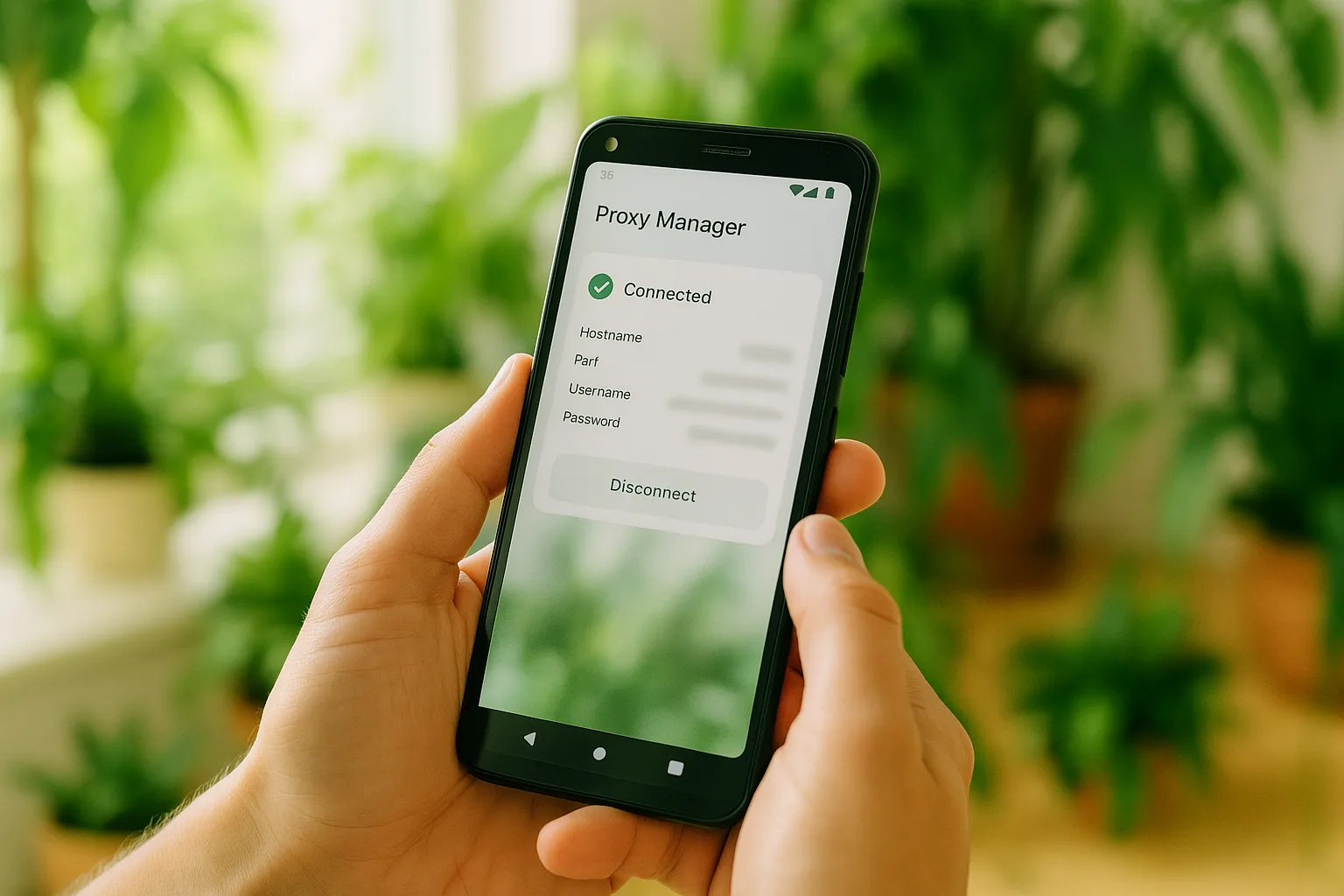
Direct Answer
To use a mobile proxy on Android, install the free Super Proxy app, tap Add proxy, enter your endpoint's host, port, username and password, pick HTTP or SOCKS5, then tap Start. Super Proxy creates a local VPN tunnel — no root required — and routes your Android apps through your German mobile IP.
What Super Proxy Is
Super Proxy (by SCHELER Software, a German developer) is a free Android app that tunnels your apps through an HTTP or SOCKS5 proxy using a local VPN service — so it works without rooting the device. It does not include any proxies itself; you supply your own endpoint, such as your German mobile connection from GermanProxy.io. It is also available on iOS.
Before You Start
Have these four values from your GermanProxy.io account ready:
- Host and port of your endpoint
- Username and password
GermanProxy.io supports HTTP, SOCKS5 and OpenVPN — for Super Proxy, use HTTP or SOCKS5. The steps below use PROXY_HOST, PORT, USER and PASS as placeholders.
Step 1: Install Super Proxy
Open the Google Play Store, search for Super Proxy (by SCHELER Software), and install it. The app is free (around 45 MB as of version 3.2.2). Open it when it finishes.
Step 2: Add a Proxy Profile
- On the home screen, tap Add proxy.
- Profile name: enter any label you like, e.g.
German Mobile. - Protocol: choose HTTP or SOCKS5, matching your endpoint.
Step 3: Enter Your Endpoint Details
- Server:
PROXY_HOST - Port:
PORT - Authentication: select Username/Password
- Username:
USER - Password:
PASS
A warning icon next to a field means a value needs checking. Tap Save to store the profile.
Step 4: Start the Connection
- Tap Start on your profile.
- Android shows a VPN connection request the first time. Tap Allow / OK — this lets Super Proxy route your traffic locally.
The app now tunnels your device traffic through your German mobile endpoint. Current versions route all device traffic in the free tier; per-app routing via the app filter — choosing which apps go through the proxy and which stay direct, useful for keeping banking or local-media apps off the proxy — is a paid Pro feature.
Step 5: Verify Your IP
Confirm the change: open our traffic check — or any IP-lookup service — and check that your IP and location match your German mobile endpoint.
That's it — your Android apps now run through your German mobile proxy.
Prefer a Single System-Wide Profile?
Super Proxy routes the whole device through one profile on the free tier (per-app control needs Pro). If you would rather route the whole device through one config file, use OpenVPN instead — see OpenVPN on Android. To understand why device-level routing also covers browser features like WebRTC, see what a WebRTC leak is.
FAQ
Does Super Proxy need root access?
No. It uses a local VPN service to route traffic, so it works on a standard, unrooted Android device.
HTTP or SOCKS5 — which should I choose?
HTTP is simplest for web traffic; SOCKS5 is more flexible for non-web traffic. For the full comparison, see the difference between HTTP and SOCKS5.
Is there an iPhone version?
Super Proxy also exists on iOS, but on iPhone many users prefer Shadowrocket or OpenVPN.
CTA
Run your Android device on a real German mobile IP. Get a German mobile proxy — HTTP/SOCKS5/OpenVPN, sticky sessions, fair-use 20 GB/day.
Get a German mobile proxy: Real 4G/5G IPs from Germany, fair-use 20 GB/day — see German 4G/5G mobile proxy options or start small with a shared 5G proxy.