
Direct Answer
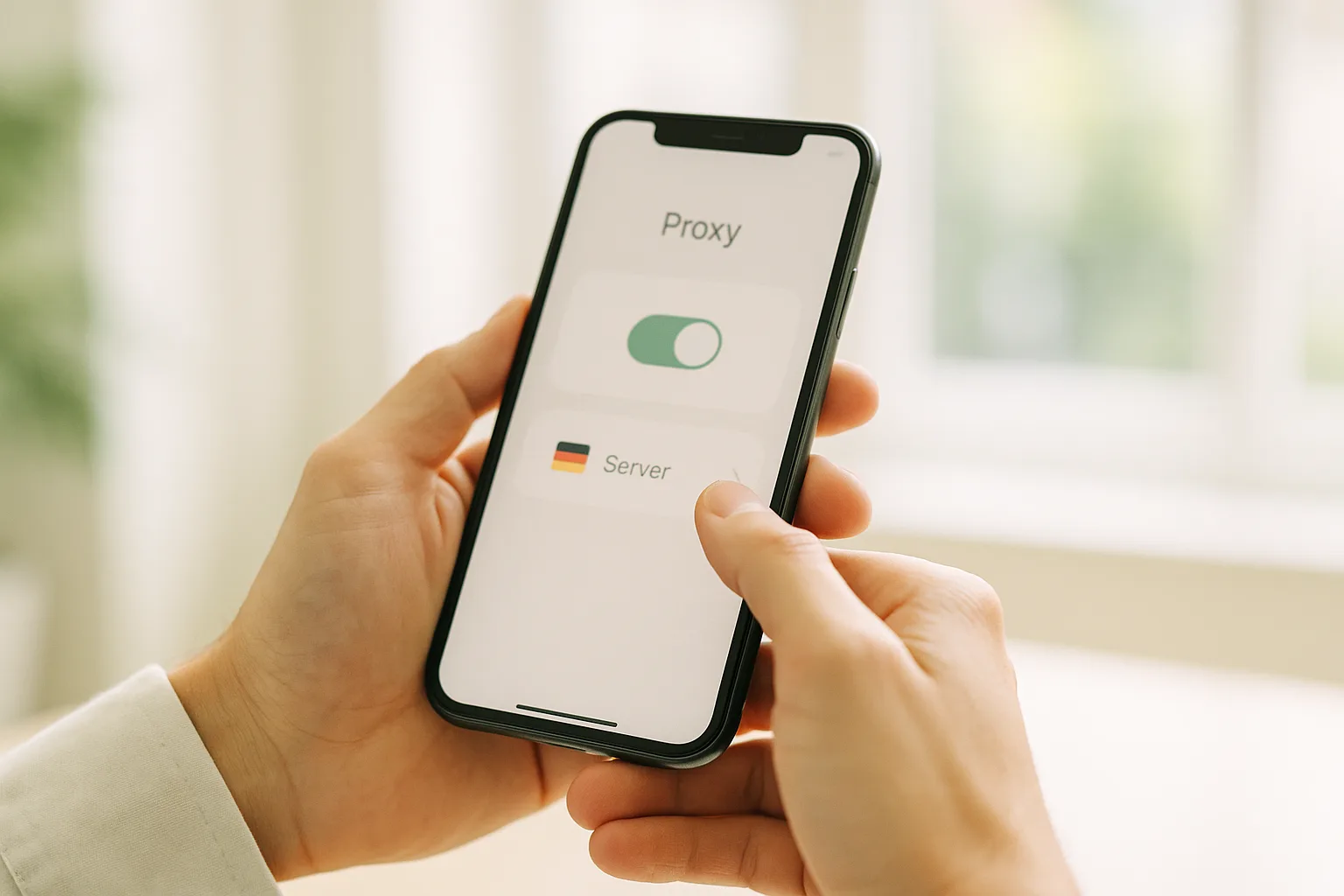
To use a mobile proxy with Shadowrocket on iPhone, install Shadowrocket from the App Store, add a new server with your endpoint's host, port, username and password, choose HTTP or SOCKS5, then toggle the connection on. Shadowrocket installs an iOS VPN profile and routes your traffic through your German mobile IP.
What Shadowrocket Is
Shadowrocket is a rule-based proxy client for iOS (iPhone and iPad, plus Apple-Silicon Macs). It lets you connect to a proxy server and choose, per app or per rule, which traffic is routed through it. It does not include any proxies of its own — you bring your own endpoint, such as your German mobile connection from GermanProxy.io.
It is a paid app on the App Store. Once installed, the setup below takes about five minutes.
Before You Start
Have these four values from your GermanProxy.io account ready:
- Host and port of your endpoint
- Username and password
GermanProxy.io supports HTTP, SOCKS5 and OpenVPN — for Shadowrocket, use HTTP or SOCKS5. The steps below use PROXY_HOST, PORT, USER and PASS as placeholders; replace them with your own values.
Step 1: Install Shadowrocket
Open the App Store, search for Shadowrocket, and install it. Open the app when it finishes downloading.
Step 2: Add a New Server
- On the main screen, tap the + (Add Server) button in the top corner.
- Open the Type field and select the protocol your endpoint uses — HTTP, HTTPS or SOCKS5.
Step 3: Enter Your Endpoint Details
Fill in the fields:
- Address:
PROXY_HOST - Port:
PORT - User:
USER - Password:
PASS
Double-check every character — a single wrong digit in the host or port is the most common reason a connection fails. Tap Save.
Step 4: Select and Enable the Connection
- Back on the main screen, tap your new server so it is selected.
- Toggle the connection switch to On at the top.
- The first time you connect, iOS asks to add a VPN configuration. Tap Allow and confirm with your passcode or Face ID — this lets Shadowrocket route traffic on your device.
Step 5: Verify Your IP
Confirm your iPhone is now routing through the German mobile IP. Open our traffic check — or any IP-lookup service — and check that the IP and location match your German mobile endpoint. Shadowrocket also has a built-in connectivity test you can run on the selected server.
That's it — your iPhone traffic now runs through your German mobile proxy.
Prefer a System-Wide Connection?
Shadowrocket gives you fine-grained, rule-based control. If you would rather route the whole device through one profile without per-rule setup, use OpenVPN instead — see Set up a mobile proxy with OpenVPN on iPhone. To understand why device-level routing also covers browser features like WebRTC, see what a WebRTC leak is.
FAQ
Does Shadowrocket work on Android?
No. Shadowrocket is iOS-only (and Apple-Silicon Macs). On Android, use the Super Proxy app or OpenVPN instead — see Super Proxy on Android and OpenVPN on Android.
HTTP or SOCKS5 — which should I pick?
Either works for most use. HTTP is simplest for web traffic; SOCKS5 is more flexible and can hand DNS resolution to the proxy. For the full comparison, see HTTP vs SOCKS5 proxies.
My IP doesn't change — why?
It depends which "IP". If a lookup still shows your own address, the proxy isn't routing yet — check that the correct server is selected, the connection toggle is on, and the host, port and credentials are right, then retest with our traffic check. If it shows a German IP but always the same one, that's expected: your German mobile IP is sticky and holds for the whole session. To switch to a fresh German IP, use your IP-change link (on-demand rotation) — see sticky sessions and IP rotation.
CTA
Run your iPhone on a real German mobile IP. Get your German mobile endpoint — HTTP/SOCKS5/OpenVPN, sticky sessions, fair-use 20 GB/day.
Get a German mobile proxy: Real 4G/5G IPs from Germany, fair-use 20 GB/day — browse German mobile proxy plans or get a dedicated proxy on the Blue network.