
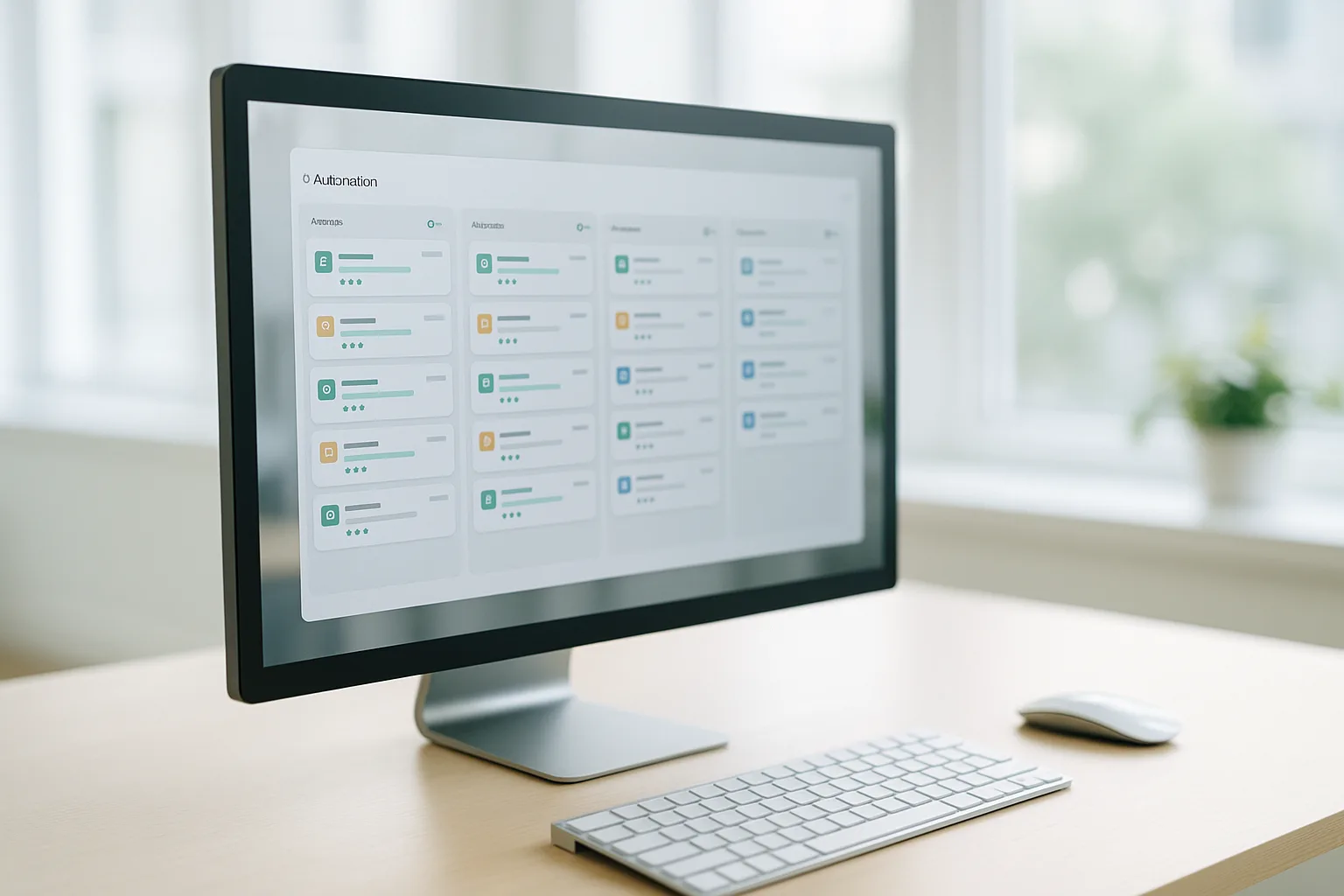
Direct Answer
To use your own German mobile proxy in PhantomBuster, open the Phantom's three-dots menu → Setup → Advanced settings → Proxies tab, choose HTTP, and enter your endpoint address, username, and password. Proxies are set per Phantom, so each Phantom can run through its own dedicated German mobile endpoint. To reuse one endpoint across several Phantoms, save it as an external proxy pool.
What to Know Before You Start
PhantomBuster is a no-code automation tool that runs "Phantoms" — pre-built scripts you configure in the browser. Two honest points shape a custom-proxy setup:
- Proxies are per Phantom. There is no single account-wide proxy switch. You attach the German mobile endpoint to each Phantom you want routed through it (or reuse it via an external proxy pool).
- PhantomBuster's own-proxy field is HTTP. Enter your HTTP endpoint with username and password. That is enough to route a Phantom's requests through your German mobile IP.
Keep this within its intended use: automate your own authorized workflows on data you are allowed to access. A mobile proxy changes where the traffic exits — it does not change what you are permitted to do.
You'll need from your GermanProxy.io account: your endpoint host and port, and your username and password (or a whitelisted IP).
Step-by-Step
- Open the Phantom card and click the three-dots menu.
- Click Setup.
- In the Settings panel, click Advanced settings (bottom-left).
- Open the Proxies tab.
- Select HTTP.
- Fill in your German mobile endpoint:
- Address — your
host:port(e.g.203.0.113.10:10000). - Username and Password — from your GermanProxy.io dashboard.
- Address — your
- Save the Phantom.
To reuse the same endpoint on other Phantoms, save it once as an external proxy pool, then select that pool from the Proxies tab of each Phantom instead of retyping the credentials.
Verify the IP First
Before running your real task, point a Phantom (or a quick test run) at an IP-echo page such as https://api.ipify.org and check the value it reads back. It should be a German mobile IP. If it shows PhantomBuster's own address or your local IP, re-open the Proxies tab and confirm HTTP is selected and the credentials are correct. Our proxy setup checks guide walks through this end to end.
Sticky Sessions vs. Rotation
A single dedicated German endpoint keeps a sticky session — the same mobile IP across a multi-step Phantom run, which is what you want when a task depends on staying on one consistent origin. When you'd rather spread requests, rotate on demand at the proxy. The country stays German either way. See sticky sessions and IP rotation explained.
Why a Mobile IP
PhantomBuster's built-in proxies and datacenter ranges share a weakness: their IPs are easy to identify as non-residential. Real German mobile IPs (4G/5G) sit behind carrier-grade NAT (CGNAT) — many genuine subscribers share one public IPv4 address, so the origin looks like ordinary everyday traffic. That gives a mobile IP stronger IP reputation than a datacenter range, which is why mobile tends to be more reliable on strict tasks. For the wider comparison, see mobile vs residential vs datacenter proxies and what is a mobile proxy.
Scrape Responsibly
A mobile proxy improves reliability for legitimate data collection and for automating your own authorized workflows — it is not a tool to circumvent access controls or platform rules. Respect each site's robots.txt and terms, keep request rates reasonable, collect only what you need, and handle any personal data in line with the GDPR. For the legal side, see is web scraping legal? EU & GDPR and are mobile proxies legal.
FAQ
Where do I enter a custom proxy in PhantomBuster?
Open the Phantom card's three-dots menu, click Setup → Advanced settings → Proxies tab, select HTTP, and fill in the address, username, and password of your German mobile endpoint. The setting applies to that one Phantom.
Are proxies configured per Phantom or account-wide?
Per Phantom. Each Phantom carries its own proxy setting. To reuse the same endpoint across several Phantoms, save it once as an external proxy pool and select that pool on each Phantom.
What is the difference between a single-use proxy and an external proxy pool?
A single-use HTTP proxy is typed straight into one Phantom's Proxies tab. An external proxy pool stores your credentials once so you can assign the same German mobile endpoint to many Phantoms without re-entering it.
Does PhantomBuster support HTTP or SOCKS5 for a custom proxy?
Its own-proxy field is HTTP-based, so use your HTTP endpoint with username and password. See SOCKS5 vs HTTP proxy for when each protocol matters elsewhere in your stack.
Why use a dedicated mobile endpoint here?
A dedicated German mobile connection gives you a stable, sticky IP and lets you rotate on demand — see dedicated vs shared mobile proxy.
Related guides
- Make.com Proxy Setup: German Mobile IP in HTTP App
- Zapier Proxy Setup: Route Zaps via a German Mobile IP
- No-Code German Web Scraping: Octoparse + Mobile Proxy
CTA
Run your PhantomBuster workflows on a real German mobile IP. Get a German mobile proxy — HTTP/SOCKS5/OpenVPN, sticky sessions, on-demand rotation, fair-use 20 GB/day, from a transparent EU provider.
Get a German mobile proxy: Real 4G/5G IPs from Germany, fair-use 20 GB/day — see German 4G/5G mobile proxy options or start small with a shared 5G proxy.