
Direct Answer
Scraping Google Maps business data means collecting public listings — business names, categories, addresses, ratings counts and opening hours — for local-SEO and market research. This is business and POI data, not personal lead-harvesting. Google Maps is heavily protected, so the legitimate path is a clean, dedicated German mobile IP, a polite request cadence and respect for robots.txt — never a "bypass".
What "Google Maps Business Data" Actually Means
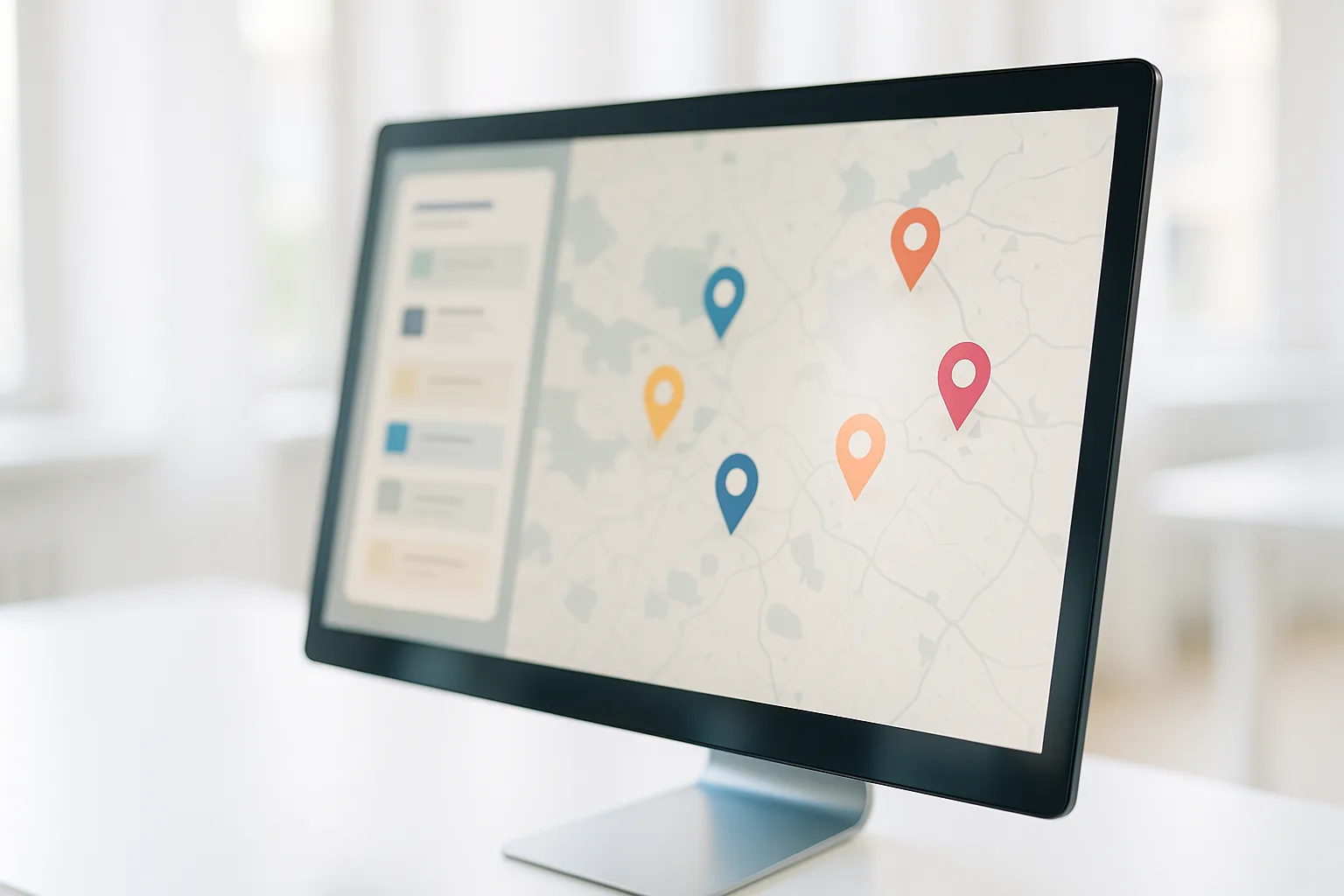
The data people mean when they say "scrape Google Maps" is the set of public fields on a business listing (a Point of Interest, or POI):
- Business name and category ("bakery", "law firm", "auto repair")
- Address and rough location
- Ratings count and average rating
- Opening hours
- Sometimes a website link or phone number that the business itself chose to publish
This is public business information, published by the business or by Google's map of the world. It is the raw material for local-SEO benchmarking, competitor mapping and market sizing — "how many dentists are there in Munich, and what do their ratings look like?"
It is worth being blunt about the line here. Collecting public business listings for research is a different activity from harvesting people's personal contact details to spam them. This article is about the former. Keep to public business fields, don't build personal profiles, and you stay on the right side of both the platform's spirit and GDPR. Whether any given scrape is lawful still depends on the details — our overview of whether web scraping is legal in the EU walks through the factors that matter.
Why Your Location Changes the Results
Google Maps is one of the most locale-dependent services on the web. It localises results by the apparent viewpoint of the request — the IP's country, and often the region — because a searcher in Hamburg and a searcher in São Paulo want different answers to "coffee near me".
That has a direct consequence for research: to see the Germany-true listing set — the businesses, the ranking order, the opening hours and the ratings a real user in Germany actually sees — the request needs to come from a German vantage point. Query the same area from a datacenter IP in another country and you frequently get a different result set, a degraded view, or a challenge page.
This is exactly where a real German mobile IP matters. A dedicated mobile connection puts your request on a genuine German mobile network, so Maps treats it like an ordinary local user and returns local truth. If you want the mechanics of why the type of IP matters so much, why datacenter proxies get blocked explains what separates a flagged datacenter range from a residential mobile one.
The Honest Constraint: Maps Is Heavily Protected
There is no point pretending otherwise. Google Maps has substantial anti-automation defences, and no tool, proxy or trick makes them disappear. Anyone promising a guaranteed, "ban-proof" Maps scraper is selling you a story.
So the framing here is deliberately not "how to defeat detection". It is: understand why blocks happen, then be the kind of client a platform has no reason to block. Three things drive most automated traffic into a wall:
- A poor-reputation IP. Datacenter ranges are widely known and pre-flagged. A real German mobile IP carries the reputation of an ordinary mobile subscriber. See why datacenter proxies get blocked.
- Inhuman speed. Hundreds of requests a minute from one IP is a signature no real user produces.
- Collecting far more than you need. Deep, exhaustive crawling looks and behaves differently from a researcher sampling a market.
Fix those three and your traffic stops standing out. That is the whole game — not a bypass, just good manners on a clean line.
How to Collect Google Maps Business Data Politely
Here is the workflow that keeps you both effective and defensible.
1. Read robots.txt and the terms first
Check the target's robots.txt and terms of service before you start, and treat them as real limits, not suggestions. If a path is disallowed, don't crawl it. This is the single clearest signal that you are operating in good faith, and it is the first thing any reviewer will look at.
2. Use a clean, dedicated German mobile IP
Route your requests through a dedicated German mobile connection rather than a shared or datacenter one. Dedicated means the IP's reputation is yours alone — nobody else's behaviour on the same IP can get you blocked. Our note on dedicated vs shared mobile proxies covers that trade-off, and the sticky sessions and IP rotation guide explains when to hold one IP steady versus when to rotate.
3. Match a real human cadence
Slow down. Space requests out, add natural variation, and cap how much you pull per session. A researcher sampling a city's bakeries makes a handful of thoughtful requests, not a flood. This single change does more to keep you off the radar than any other.
- Hold a sticky session for a coherent task — walking through one category in one city — so your viewpoint stays consistent.
- Rotate deliberately, not frantically, when you move to a new area or task. The sticky sessions and IP rotation guide has the pattern.
4. Collect only public business fields
Pull the business-listing fields you actually need for the research question — names, categories, addresses, ratings counts, hours. Don't build dossiers on individuals, and don't store personal data. Public POI data in, useful market map out.
5. Verify your viewpoint
Before a run, confirm you are actually presenting as a German user. Load our traffic check — or any IP-lookup service — and check the exit IP the target sees — its network and its country — so you know your Germany-true viewpoint is live before you rely on the data.
Where This Fits in a Research Workflow
Google Maps business data rarely stands alone. It usually feeds a broader picture — local-SEO benchmarking, competitor density, or pricing and demand research across a region. The same clean-German-IP principle carries across all of it, which is why the approach here mirrors how we scrape Amazon with mobile proxies: real local IP, polite cadence, public data only.
If Maps is one input among several, the wider methodology — combining SERP data, marketplace signals and local listings into one view — is laid out in our guide to market research and SEO analysis with mobile proxies. Treat this article as the Maps-specific chapter of that story.
FAQ
Is scraping Google Maps business data legal in Germany?
Collecting publicly visible business listings — names, categories, addresses, ratings counts, opening hours — for market research is a different activity from harvesting personal contacts. Keep to public business data, respect robots.txt and rate limits, and store no personal data. Legality depends on what you collect and how; see our overview of whether web scraping is legal in the EU.
Why do I get different Google Maps results from a German IP?
Google Maps localises results by the viewpoint of the request. A German IP returns the listings, ranking and opening hours a real user in Germany would see. A datacenter IP abroad often returns a different or degraded view, so a genuine German mobile IP gives you Germany-true data — which is also why datacenter proxies get blocked on locale-sensitive services.
Can I collect Google Maps data without getting blocked?
There is no guarantee, because Maps is heavily protected. What lowers the block rate is behaving like a normal client: a clean, dedicated German mobile IP, a slow and human request cadence, honouring robots.txt, and collecting only the public business fields you actually need.
Related guides
- Scrape Google Shopping Germany with a German Mobile Proxy
- Scrape Amazon.de Price Data with a German Mobile Proxy
- Price-Monitoring Scraper with a German Mobile Proxy
- How to Scrape Indeed and StepStone Job Data in Germany
CTA
For Germany-true business listings, start from a genuine German mobile vantage point — a clean IP and polite cadence do the rest. Browse the German mobile proxy plans.
Get a German mobile proxy: Real 4G/5G IPs from Germany, fair-use 20 GB/day — compare German mobile proxy plans or get a dedicated proxy on the Blue network.